July 9, 2026
10 Best Astronomy Photo Stacking Software for 2026
You've booked flights, checked the path maps, and reworked your exposure plan more than once. For photographers heading to the upcoming 2026 European solar eclipse, capture is only half the job. The harder decisions often come later, when you need to sort corona brackets, process high-frame-rate partial-phase clips, and salvage wide sunset totality frames made through low-altitude haze.
Low-horizon eclipse work changes what matters in stacking software. Programs that feel efficient for nebula data can become clumsy when the Sun is dropping toward the horizon and every frame has different shimmer, color, and contrast. The best tool for this event is usually the one that handles three specific jobs well: fast alignment on solar detail, controlled blending for HDR corona structure, and practical cleanup of foreground-heavy scenes shot near sunset.
That is why astronomy photo stacking software belongs in the eclipse plan, not just the editing kit.
For this eclipse, I would not judge software by its feature list alone. I would judge it by failure points. Can it keep fine outer-corona detail from turning mushy after alignment? Can it register short bursts cleanly when seeing is unstable? Can it handle a sequence that mixes close-up solar frames with wider horizon compositions without forcing a slow, awkward workaround?
Stacking helps because eclipse frames rarely fail in the same way twice. One exposure holds better inner-corona detail. Another has cleaner sky gradients. A short run of partial-phase video may contain a few sharp frames surrounded by softer ones. Good stacking software lets you combine those fragments into a cleaner result with less noise, better edge definition, and more room to push contrast without breaking the image.
The sections below focus on programs useful for 2026 eclipse workflows, especially for sunset totality in Spain, lower-altitude viewing angles, HDR corona composites, and high-frame-rate solar clips.
Table of Contents
- 1. PixInsight
- 2. Astro Pixel Processor (APP)
- 3. Siril
- 4. DeepSkyStacker (DSS)
- 5. Sequator
- 6. AutoStakkert!
- 7. AstroSurface
- 8. RegiStax
- 9. ASTAP (Astrometric Stacking Program)
- 10. PlanetarySystemStacker (PSS)
- Top 10 Astro Photo-Stacking Software Comparison
- Prepare Your Digital Darkroom for Totality
1. PixInsight
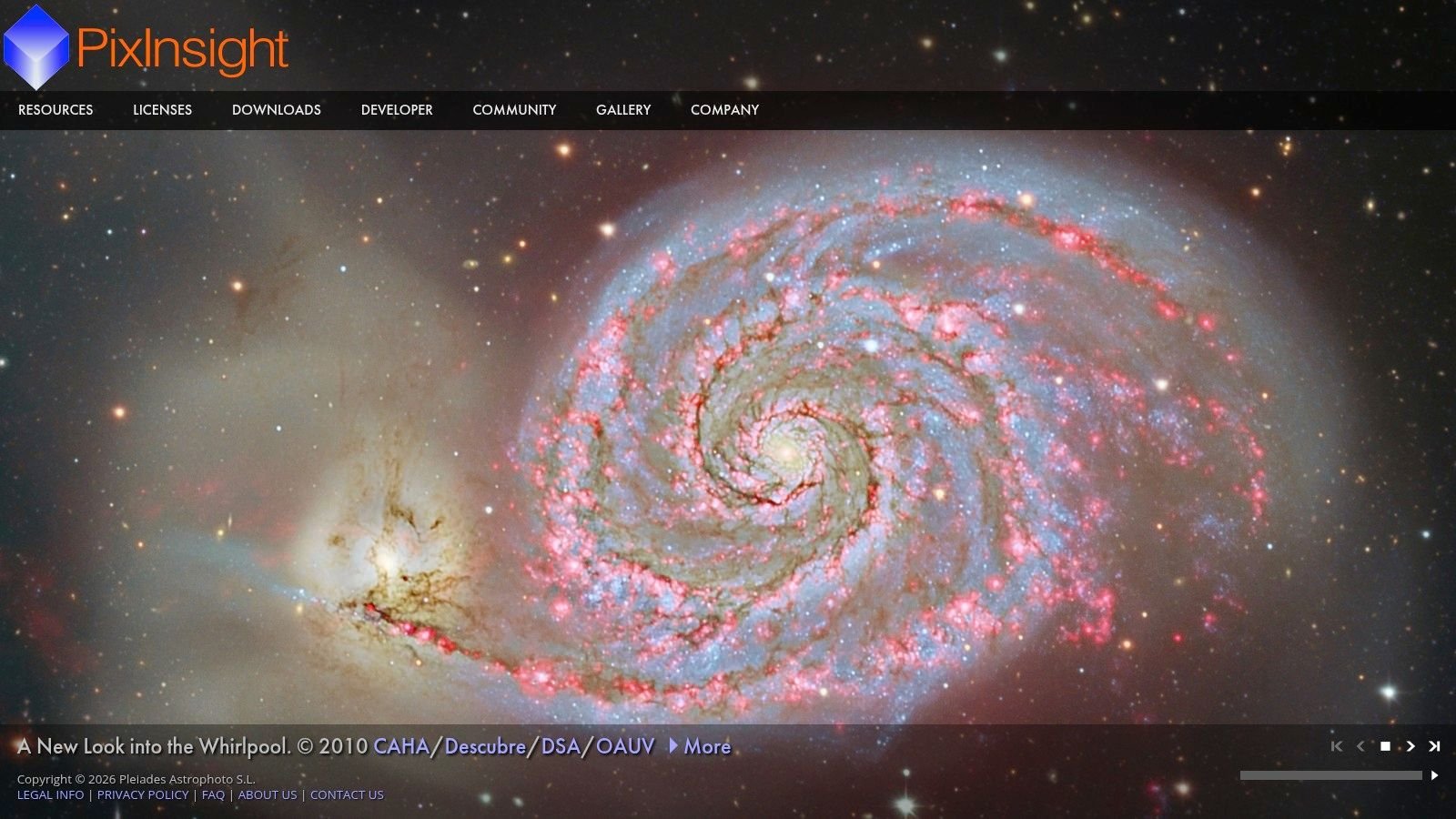
PixInsight is the tool I'd trust most when the eclipse set includes difficult gradients, uneven transparency, and a long bracket sequence for corona blending. It's a full calibration, registration, stacking, and processing environment, not just a stacker. That matters when your sunset eclipse frames don't all behave the same way.
For experienced imagers, PixInsight sits at the top of the professional end of astronomy photo stacking software. It's used by an estimated 70% of expert-level astrophotographers and research institutions, and the commercial license is listed at $320 in this astrophotography stacking software comparison. That sounds like overkill for one eclipse until you need weighted integration, drizzle, and precise rejection control on a once-only data set.
Why it excels for eclipse composites
A key strength is control. LocalNormalization helps when a low western sky changes brightness from frame to frame. A 32-bit float workflow preserves highlight and shadow latitude, which is exactly what you want before building an HDR corona composite.
- Best use case: Registered bracket sets of totality where you want to preserve both inner corona brightness and faint outer structure.
- What works well: Weighted integration, pixel rejection, drizzle support, and deep post-processing in the same environment.
- What doesn't: Fast learning under deadline pressure. If you install it a week before departure, you'll spend more time watching process icons than refining eclipse images.
Practical rule: Use PixInsight only if you're going to rehearse the full eclipse workflow before August. It rewards repetition, not improvisation.
PixInsight is cross-platform, and that matters more in 2026 than it did a few years ago. Mac users now have serious native options, but PixInsight is still the heavyweight choice when you need maximum control over normalization, calibration, and final integration.
2. Astro Pixel Processor (APP)
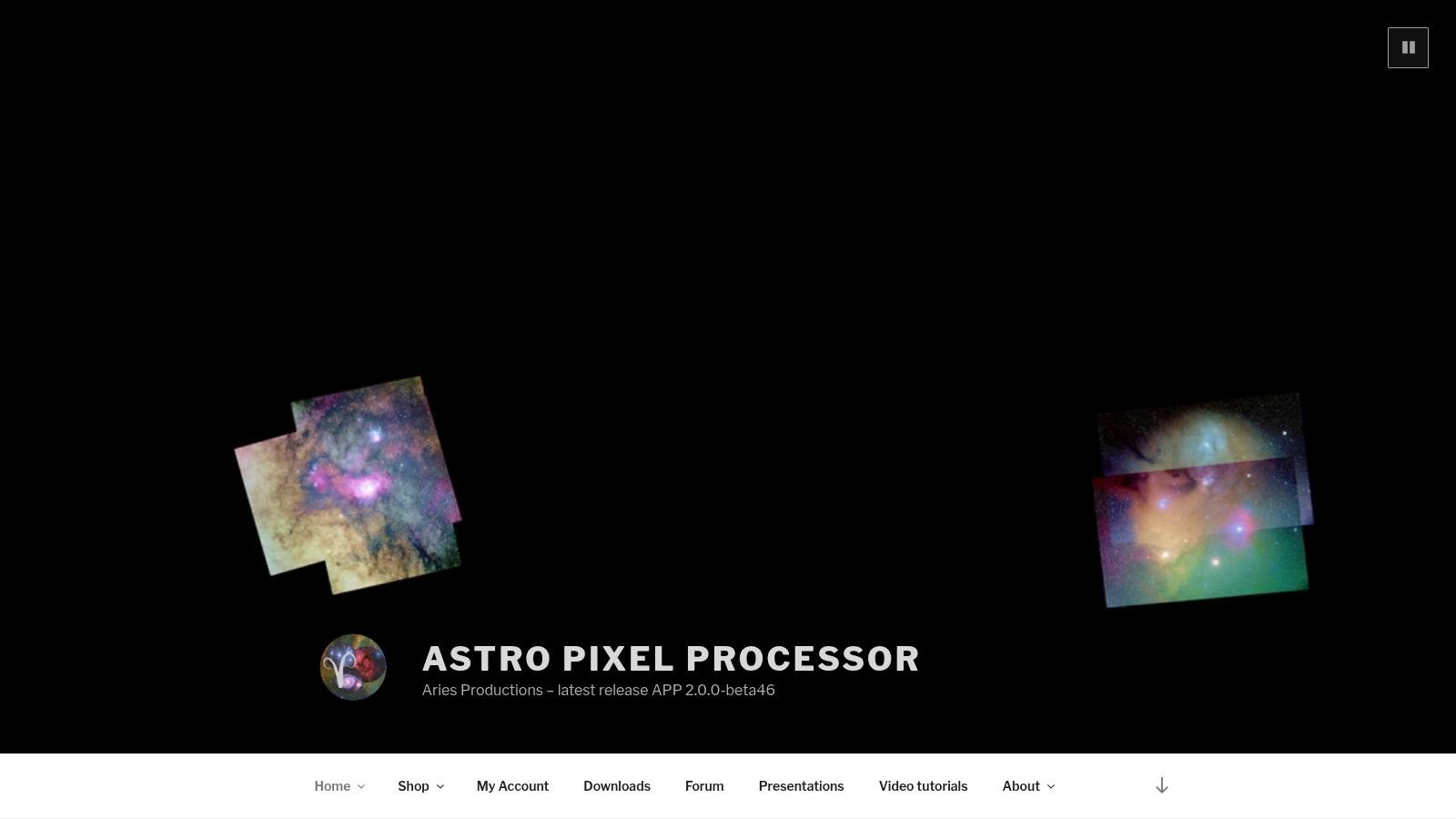
The 2026 eclipse will put a lot of photographers in an awkward spot. Totality is low, the western sky will still carry strong color and brightness gradients, and many of the best frames will be wider environmental compositions instead of tight solar close-ups. Astro Pixel Processor suits that kind of job better than many stackers built mainly for conventional deep-sky sessions.
APP makes sense for photographers who want more control than DSS or Sequator usually give, but who do not want to build a full PixInsight workflow just to process one eclipse trip. Its interface is organized around calibration, registration, normalization, and integration in a way that stays practical under deadline pressure. That matters after an eclipse evening, when you are sorting bracketed totality frames, checking for thin cloud contamination, and trying to identify which exposure groups are worth keeping.
Where APP fits best
APP is at its best on wide-field eclipse data with uneven backgrounds. For the 2026 event, that usually means low-horizon totality shots over various terrains, sea horizons, or city silhouettes in Spain, Portugal, or Iceland. In those files, the problem is rarely just aligning the Sun. The harder problem is keeping the background from falling apart when haze, sunset color, and exposure shifts change from frame to frame.
Its normalization tools help with that. So do its mosaic and multi-session options if you shoot repeated framing sets, then decide later to combine the cleanest subsets. I have found APP especially useful when the composition includes foreground context and the sky is changing fast enough that simpler stackers start to leave visible seams or inconsistent brightness.
There are limits. APP is still slower and less flexible than a purpose-built planetary tool for high-frame-rate partial-phase video, and it is not the place I would finish a delicate HDR corona blend. It is better used as the clean stacking stage before you move selected outputs into your editor of choice for final eclipse compositing.
For the 2026 sunset eclipse, APP is the middle-ground pick for photographers who need reliable registration and normalization on difficult wide-field totality sets.
The trade-off is cost and depth. APP is paid software, and its post-stack finishing tools do not reach as far as PixInsight. But for eclipse shooters who want a disciplined workflow without spending weeks learning a more complex environment, that compromise is often reasonable.
If your plan is a scenic totality composition with multiple exposure brackets, changing transparency, and a low Sun dropping into thicker atmosphere, APP deserves a serious test run before August. It handles messy real-world eclipse data well, which is exactly the point.
3. Siril
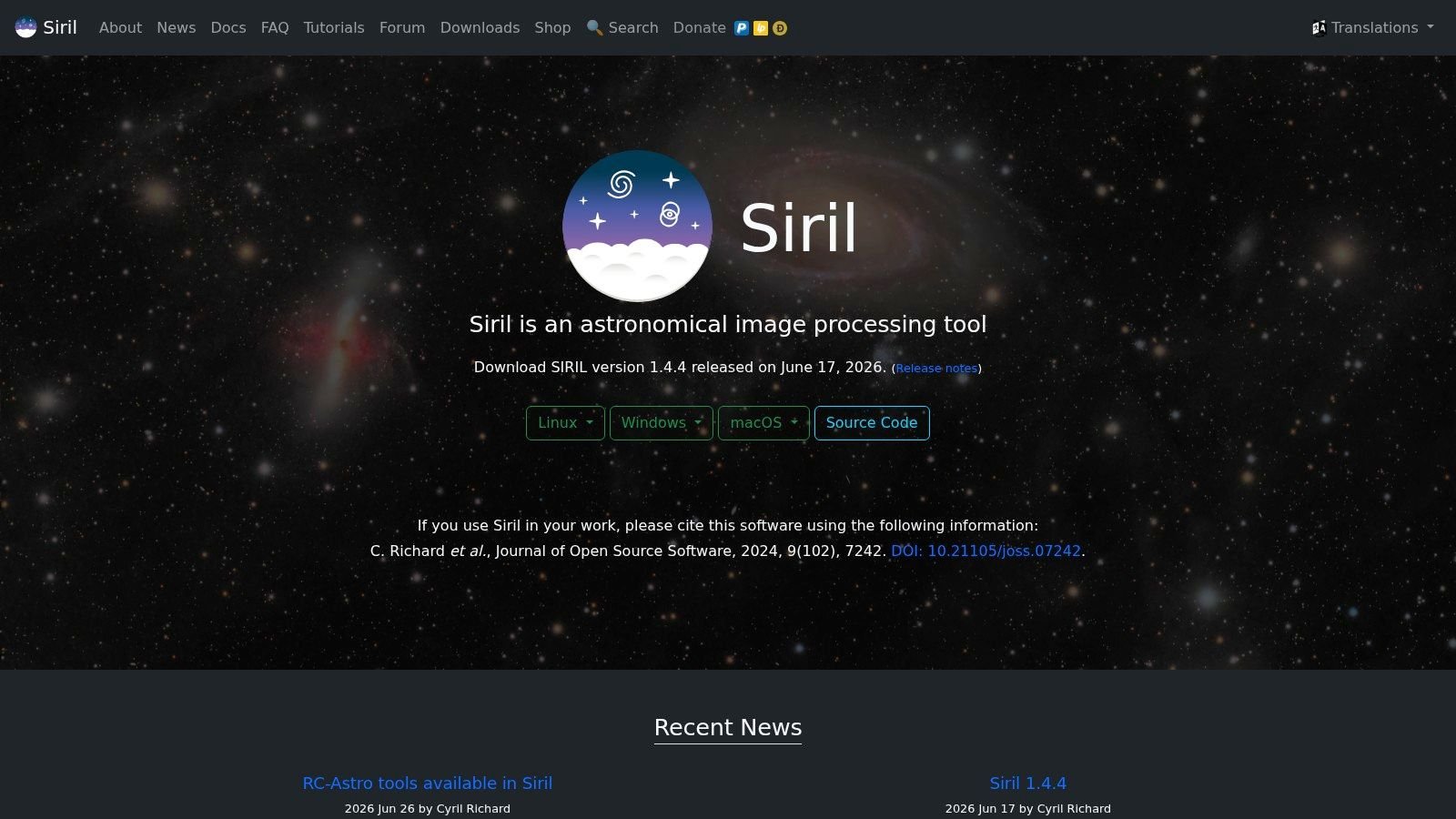
Siril is the free tool I'd put in front of most serious eclipse photographers who don't want to pay for PixInsight or APP. It has matured into a capable platform with scripts, calibration, registration, stacking, and enough depth to handle demanding eclipse practice sessions.
This isn't “good for free.” It's good, full stop. The strongest reason to use Siril is that it gives you disciplined workflows without locking you into a paid ecosystem.
Best free option for serious eclipse practice
Siril is described as the best free option for deep-sky stacking across multiple platforms in this guide to stacking programs. That multi-platform support matters because 2026 eclipse travelers are using everything from Windows field laptops to MacBooks carried on flights to Spain or Iceland.
For eclipse work, Siril's scripts are its secret weapon. You can build a repeatable process for:
- Bracketed totality frames: Register and stack repeated exposure groups with less manual friction.
- Practice sessions: Run the same sequence on test data and compare your output before travel.
- Cross-platform editing: Move between macOS, Windows, and Linux without changing software families.
The weakness is ecosystem depth. PixInsight and APP still have a broader surrounding world of tutorials, user presets, and advanced module options. Siril's documentation is solid, but it expects you to learn the workflow rather than just click through it.
If you're shooting the 2026 European eclipse and want astronomy photo stacking software you can start using now, refine through repeated tests, and still trust on the final data, Siril is one of the safest choices on the list.
4. DeepSkyStacker (DSS)
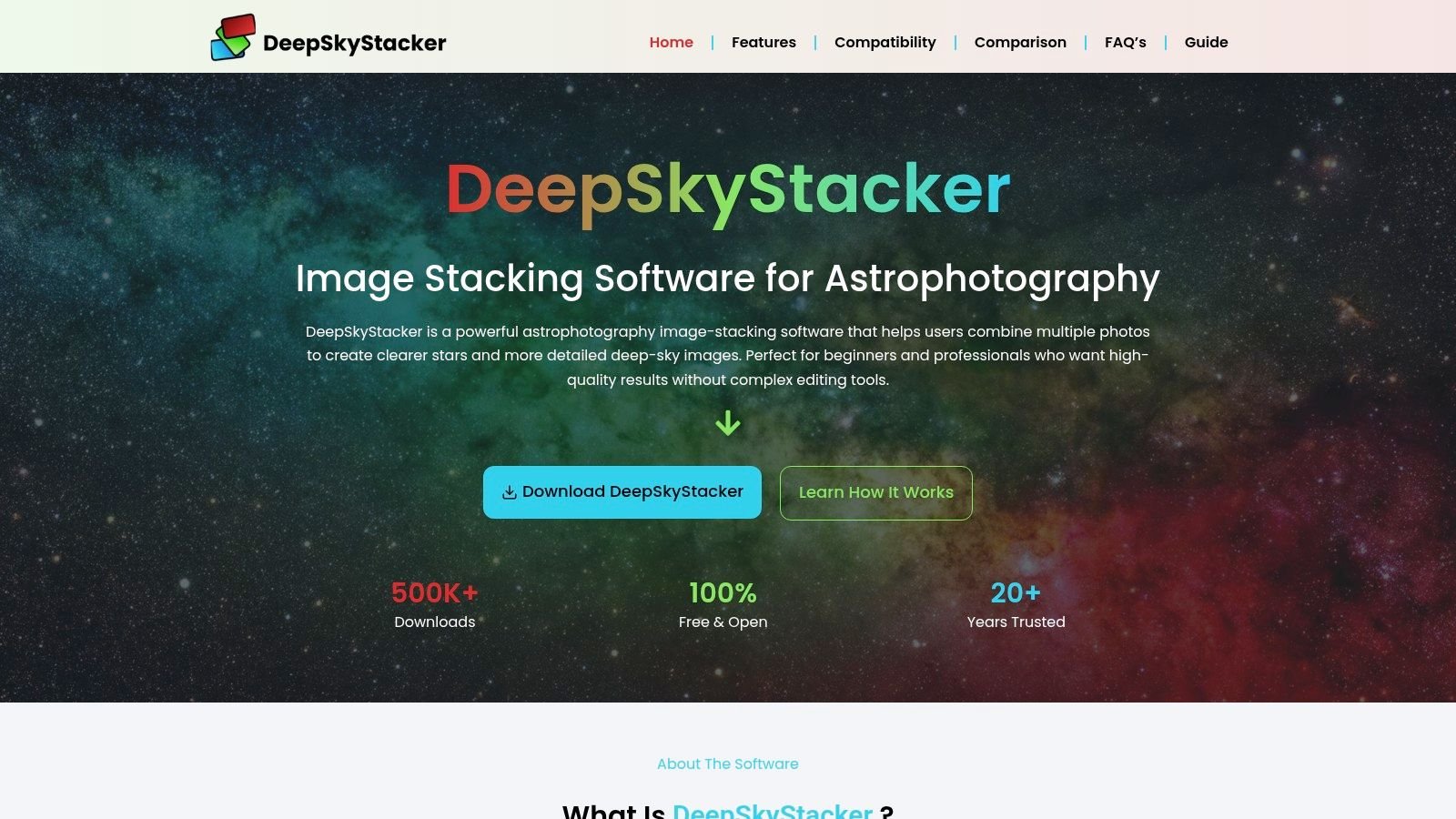
The 2026 eclipse will push a lot of photographers into a very specific corner. You get back to the hotel after sunset totality over Spain or Iceland, the light changed fast near the horizon, and you need a stacker that will accept a folder of stills without a long setup session. DeepSkyStacker still earns a place for that job.
DeepSkyStacker remains one of the easiest free Windows programs for aligning, calibrating, and stacking still frames. The interface looks old because it is old, but that is not always a drawback. For eclipse practice, especially if you are running repeated rehearsal sets before travel, DSS is easy to install, easy to understand, and hard to completely derail.
Best for first-pass eclipse still stacks on Windows
For photographers building a 2026 workflow from scratch, DSS makes the most sense in a narrow but common use case. Use it for repeated stills of the same partial phase, for grouped bracket sets you intend to blend later, or for test runs where the goal is verifying focus, tracking, and exposure consistency. If you want broader planning advice around gear, timing, and processing, the site's astrophotography guide archive is the right companion resource.
What DSS does well is straightforward registration and averaging. Feed it a clean set of aligned eclipse frames and it can reduce noise and give you a solid base file for finishing in Photoshop, Affinity Photo, or another editor. I would use it for partial-phase stills from a fixed setup, or for low-risk practice sessions where speed matters more than fine control.
Its limits show up fast in real eclipse conditions:
- Changing transparency near sunset: DSS is less comfortable when haze, thin cloud, or falling solar altitude shifts frame brightness across a sequence.
- Complex HDR corona work: It can stack source exposures, but the refined exposure balancing needed for polished corona composites usually happens better elsewhere.
- Video-derived eclipse data: If you are extracting high-frame-rate partial-phase clips, AutoStakkert! or planetary tools are usually the better fit.
- Mac-based travel kits: DSS is Windows-only, which matters if your field machine is a MacBook.
That last point matters more than many people expect. A lot of 2026 eclipse trips will be airline trips, and the laptop you bring is often the one that dictates your software, not the one you prefer at home.
DSS is not the program I would choose for the hardest processing problems from this eclipse. I would choose it for the photographer who needs a dependable first stack from still images, wants to practice now, and would rather spend the next month refining capture discipline than learning a heavier processing environment.
5. Sequator
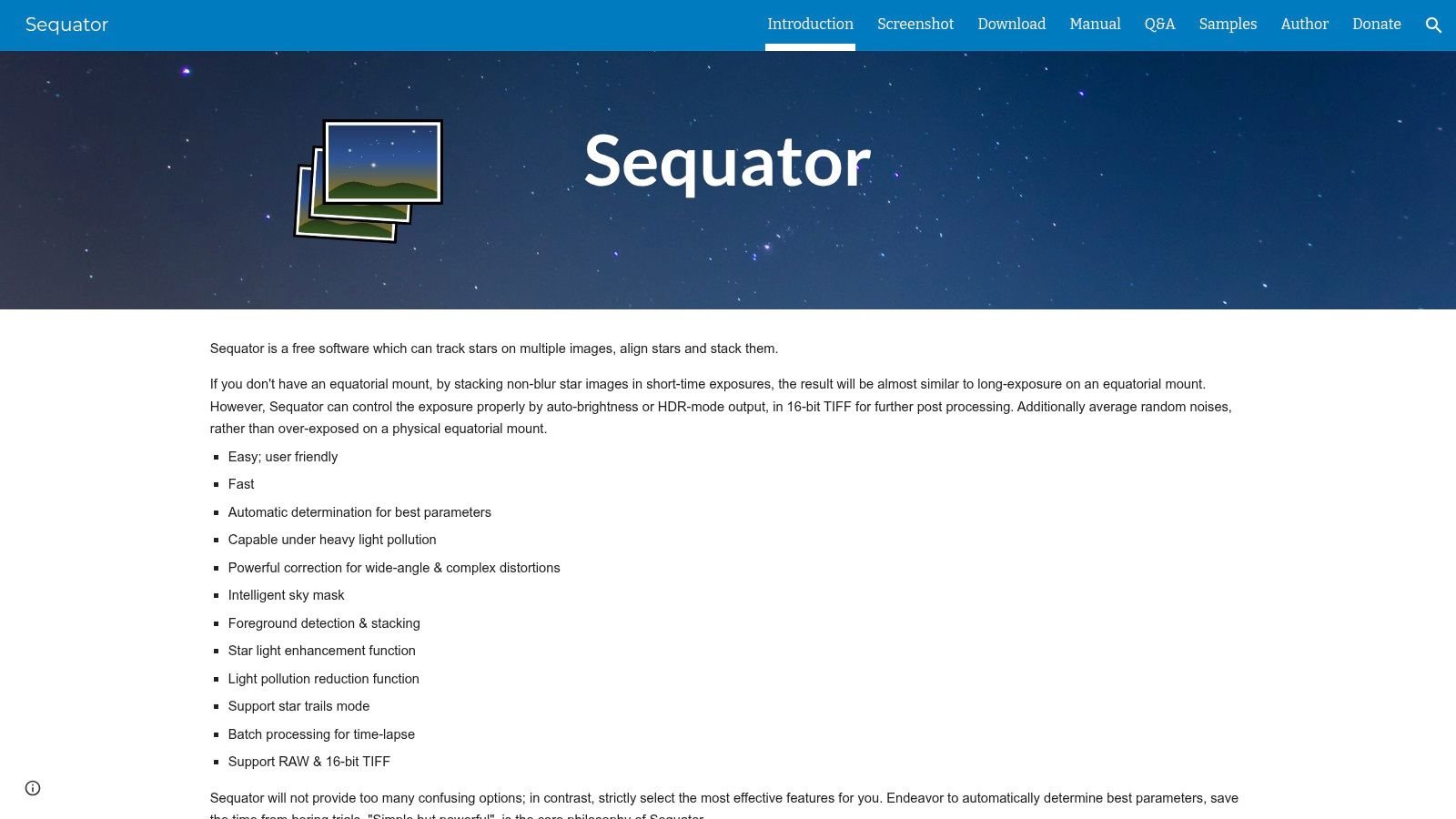
Sequator makes sense for a very specific 2026 eclipse plan. You are on a Spanish headland or harbor wall, the Sun is dropping into haze, and you want the eclipsed Sun in the same frame as a sharp skyline or coastline. In that job, foreground handling matters as much as stacking quality.
Sequator was built for tripod-based nightscape work, and that translates well to low-horizon eclipse scenes. Its "freeze ground" approach lets you align the sky while keeping the land from smearing, which is often the difference between a usable scenic totality frame and a file that falls apart at the horizon. For photographers planning a wider sunset sequence, or building frames for a solar eclipse time-lapse workflow, that speed and simplicity are its real strengths.
I would use it for three eclipse tasks:
- Scenic totality composites: Wide shots with a fixed foreground and a low Sun.
- Quick stack testing: Trying different subsets of frames to see how haze, glare, and exposure shifts affect the result.
- Travel-light workflows: Windows laptop, still frames, minimal setup time, fast turnaround.
Sequator is less convincing once the job gets more technical. It does not give the same level of calibration control, rejection tuning, or exposure management you want for polished HDR corona work. If your goal is to blend multiple totality exposures to hold inner corona detail, outer streamers, and a clean horizon glow, Sequator is usually the starting point for the scenic base, not the whole processing environment.
That distinction matters for the 2026 eclipse because sunset conditions will change quickly. The low solar altitude in parts of Spain and the western Mediterranean can push brightness, color, and contrast around from frame to frame. Sequator handles the alignment problem well. It is weaker at the fine-grained decision-making that difficult eclipse data often needs.
So the recommendation is narrow, but strong. Use Sequator if your eclipse image depends on a stable foreground and you want to get from raw frames to a workable scenic stack without a long setup. Practice on low-Sun sessions before eclipse day, because if the horizon composition is the shot, this is one of the easiest tools to test for it.
6. AutoStakkert!
AutoStakkert! is the specialist on this list. It isn't for your wide eclipse views and it isn't for a full deep-sky style calibration workflow. It's for high-frame-rate solar, lunar, and planetary clips where the software ranks frames, aligns them precisely, and keeps the best data.
That's exactly what many eclipse photographers need for partial phases. If you're recording filtered solar video before and after totality, AutoStakkert! is one of the most reliable ways to turn shaky atmospheric footage into a clean stack.
Built for high-frame-rate solar clips
The software is designed around SER and AVI workflows, with frame quality estimation, alignment grids, and drizzle support. In practice, that means you can record clips of the partial eclipse, let AutoStakkert! identify the sharpest moments, and build a stack that survives poor seeing better than a hand-picked frame ever will.
This is especially useful if your eclipse project includes a partial-phase sequence or a motion study. A detailed solar eclipse time-lapse workflow guide pairs well with AutoStakkert! because the software handles the frame selection problem that time-lapse shooters often underestimate.
- Best use case: Filter-on solar clips of crescent phases and sunspot detail.
- Main downside: Almost no built-in finishing tools. You'll usually sharpen elsewhere.
- What works well: Turning turbulent footage into a strong base image for later enhancement.
AutoStakkert! is a specialist's tool, and that's a compliment. For the right part of the eclipse workflow, it's hard to beat.
7. AstroSurface
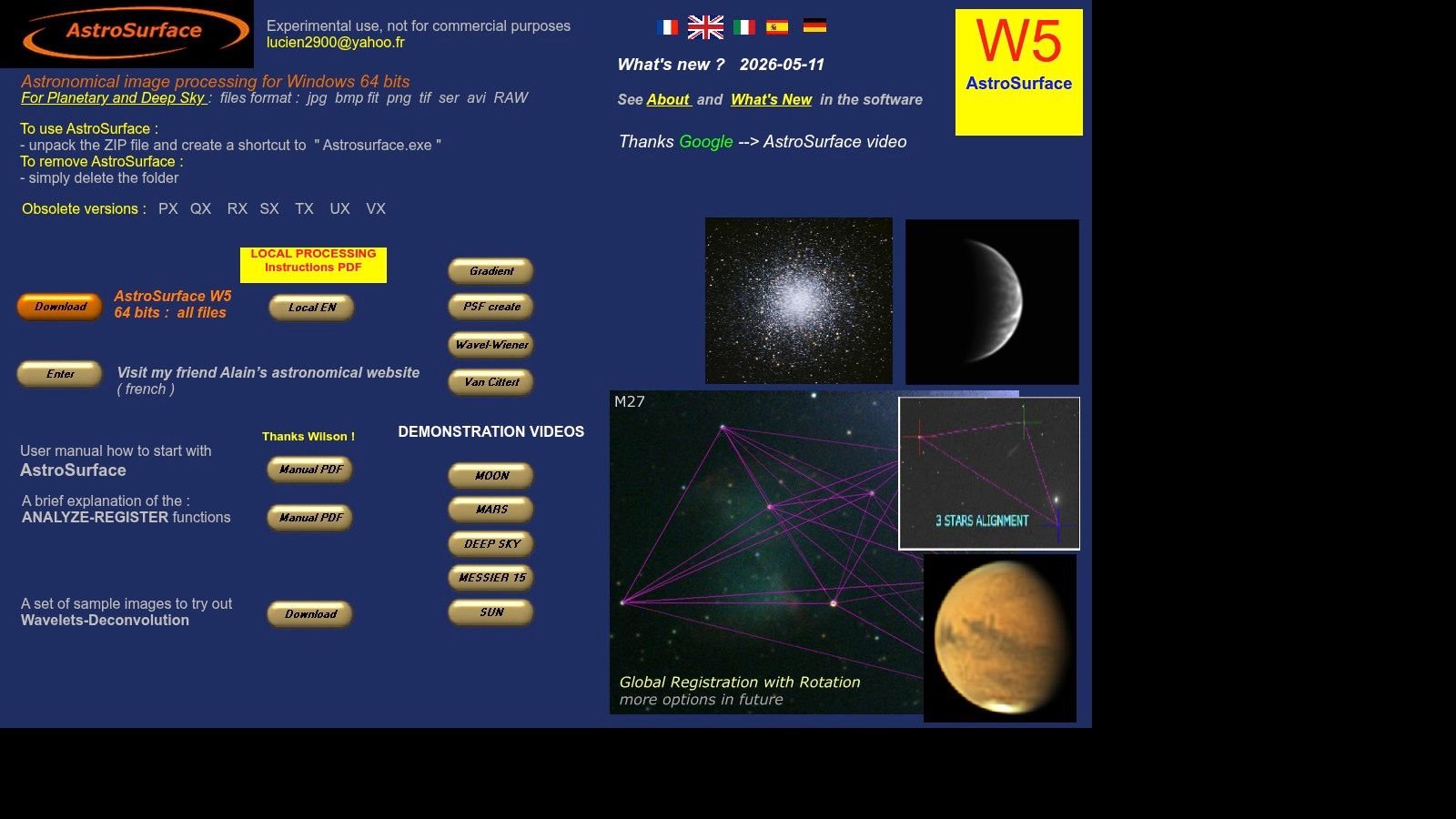
AstroSurface is one of the most practical solar-processing tools available to Windows users because it doesn't stop at stacking. It also gives you deconvolution, wavelets, denoise tools, and solar-oriented controls in the same application.
That all-in-one design matters when you're working through eclipse clips and don't want to bounce between multiple programs just to evaluate one stack.
A strong all-in-one solar finisher
For filtered solar video, AstroSurface gives you a clean path from clip to sharpened result. It's particularly useful when you want to inspect limb detail, prominence structure in appropriate filtered work, or fine texture after stacking.
What I like about AstroSurface is that it reduces software switching. AutoStakkert! plus a separate sharpening program is still a standard route, but AstroSurface often gets you to a polished draft faster. That's valuable during practice, when speed encourages more iterations.
The trade-off is usability. New users can feel buried under options, and the interface isn't the softest landing for someone who has only used Lightroom or Photoshop. Still, for eclipse photographers who want a free Windows tool capable of stacking and sharpening solar data in one place, AstroSurface is one of the strongest choices available.
Field-tested advice: Use AstroSurface after you already know what kind of result you want. It's far easier to handle when you're making targeted adjustments instead of exploring every panel.
8. RegiStax
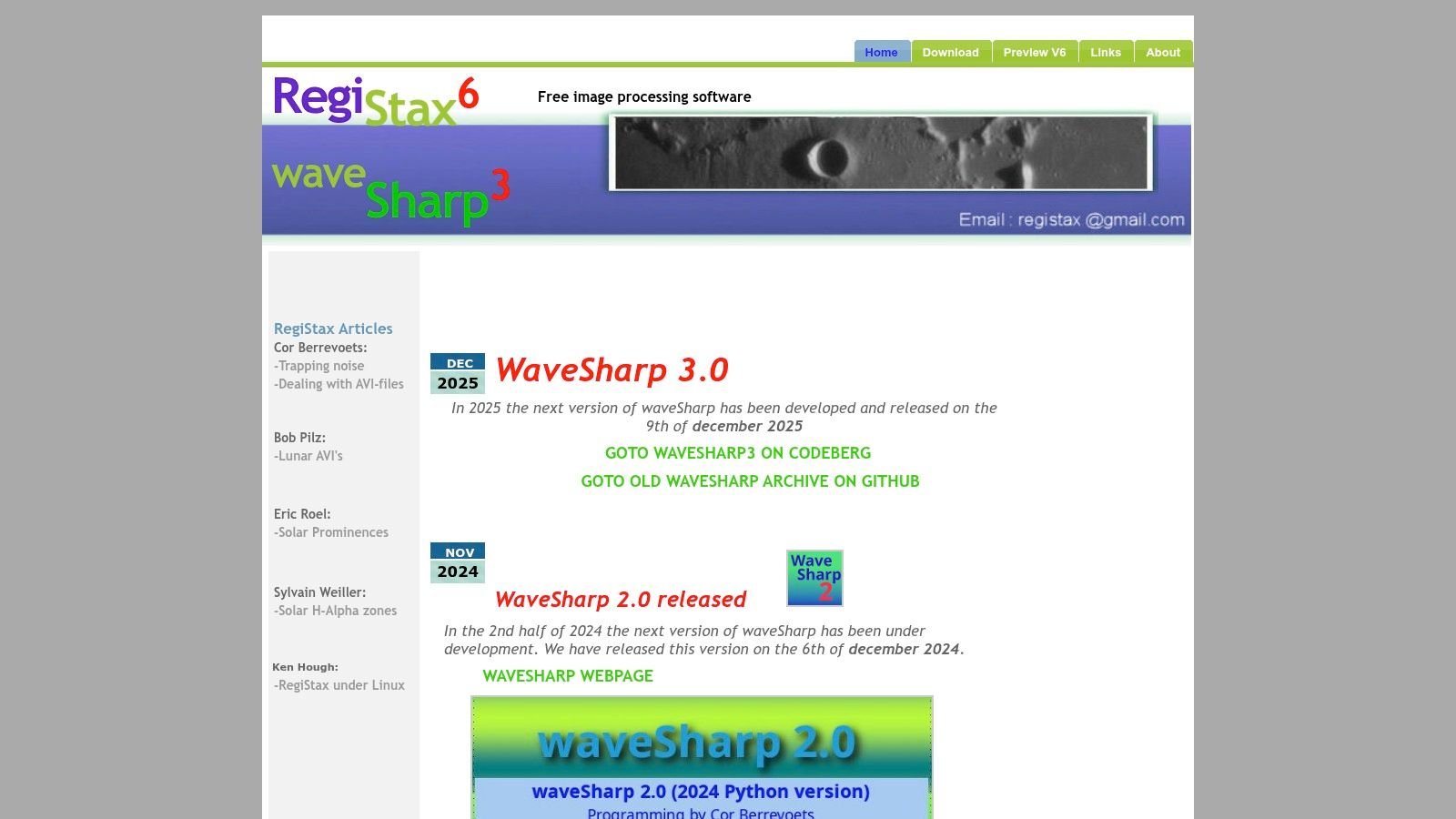
RegiStax is old, still useful, and no longer the first tool I'd open. But I wouldn't leave it off an eclipse software list because the wavelet sharpening remains effective for planetary, lunar, and solar finishing.
That's the key distinction. Today, many photographers stack elsewhere and sharpen in RegiStax.
Still useful for wavelet finishing
If you process partial-phase solar clips in AutoStakkert!, RegiStax is still a sensible next step when you want to tease out edge crispness and small-scale structure. Used carefully, wavelets can add bite without forcing a harsh, brittle look.
Used badly, they can wreck an eclipse image fast. Ringing, crunchy edges, and artificial texture show up quickly, especially around the solar limb.
A lot of eclipse shooters still find it useful as a finishing stage in broader eclipse photography workflows. That's where RegiStax belongs in 2026. Not as the whole pipeline, but as a familiar specialist tool for the last refinement pass.
Its age shows in the interface, and Windows-only support narrows the audience. But if you already know how to use wavelets with restraint, RegiStax still earns a place in the kit.
9. ASTAP (Astrometric Stacking Program)
ASTAP is the utility player of astronomy photo stacking software. It combines stacking with a fast plate solver and FITS tools, which makes it attractive for lightweight travel setups and quick validation on the road.
That's especially relevant for the 2026 eclipse because many photographers won't process everything at home first. They'll want to verify alignment, inspect frames, and check whether a sequence is worth preserving before leaving the observing site or hotel.
Fast alignment without a bloated workflow
ASTAP's appeal is speed and efficiency. You can use it to calibrate, register, and stack without dragging along a heavier software ecosystem. For eclipse travel, that kind of lean setup has real value.
It's not the platform for the deepest normalization controls or the most advanced rejection logic. If you're building a refined totality composite for large-format printing, you'll probably outgrow it. But if you need fast plate solving, precise alignment, and a practical stacker in one package, ASTAP does the job cleanly.
- Good fit: Travel laptops, quick checks, compact processing rigs.
- Less ideal: Complex corona HDR blends with demanding tonal balancing.
- Best habit: Use ASTAP to validate and organize, then finish in your main editor if needed.
For time-sensitive eclipse trips, simple software often wins because it removes friction exactly where fatigue starts to matter.
10. PlanetarySystemStacker (PSS)
PlanetarySystemStacker is the tool I'd point macOS and Linux users toward when they want an AutoStakkert!-style workflow without using Windows. It's open-source, cross-platform, and aimed squarely at solar, lunar, and planetary image stacks.
That matters more than ever because Mac users now have several native options for deep-sky work, but the planetary and solar side has historically been more Windows-heavy.
The practical macOS and Linux alternative
Recent 2026 updates confirm Apple Silicon compatibility across five serious Mac-native stacking tools, including Siril, Astro Pixel Processor, PixInsight, Starry Sky Stacker, and Affinity Photo, according to this Mac deep-sky stacking software guide. PSS adds an important angle to that ecosystem by covering the planetary and solar niche with a native-friendly option.
PSS offers quality ranking, multi-point alignment, drizzle options, and built-in sharpening filters. That's a practical combination for eclipse photographers processing filtered partial-phase clips on a MacBook in the field.
Its main limitation is community scale. You won't find the same volume of tutorials or troubleshooting threads that exist for AutoStakkert! That said, if you want an open-source tool that handles both stacking and basic sharpening on macOS or Linux, PSS is one of the best answers currently available.
Top 10 Astro Photo-Stacking Software Comparison
| Tool | Core focus & key features | Quality (★) | Price/Value (💰) | Best for (👥) | Unique edge (✨/🏆) |
|---|---|---|---|---|---|
| PixInsight | End-to-end astrophotography: 32-bit FITS/XISF, drizzle, LocalNormalization, scripting | ★★★★★ 🏆 | 💰 Commercial (45‑day trial) | 👥 Advanced processors, corona/HDR composites | ✨ Industry‑grade normalization & multiscale tools |
| Astro Pixel Processor (APP) | One‑click calibration/stacking, mosaics, gradient & color retention | ★★★★☆ | 💰 Paid (trial; Owner/Renter tiers) | 👥 Intermediates wanting high‑quality stacks fast | ✨ Strong mosaic & gradient handling |
| Siril | Automated scripts for DSLR/OSC/mono, drizzle, photometry, cross‑platform | ★★★★ | 💰 Free / Open‑source | 👥 Budget users and scriptable workflows | ✨ Scriptable automated pipelines |
| DeepSkyStacker (DSS) | Windows stacker: calibration, multiple rejection algorithms, comet modes | ★★★★ | 💰 Free | 👥 Beginners on Windows doing deep‑sky stacks | ✨ Very approachable, well‑documented |
| Sequator | Star alignment with "freeze ground" for nightscapes, fast on modest HW | ★★★★ | 💰 Free | 👥 Nightscape / Milky Way + foreground composites | ✨ Freeze‑ground alignment for landscapes |
| AutoStakkert! | Frame ranking, multi‑point alignment, drizzle for SER/AVI video stacks | ★★★★★ 🏆 | 💰 Free | 👥 Planetary/solar/lunar lucky‑imaging (fast clips) | ✨ Benchmark planetary/solar stacking |
| AstroSurface | Stack & sharpen for planets/Sun/Moon; deconvolution & wavelets | ★★★★ | 💰 Free (portable) | 👥 Solar/planetary shooters wanting all‑in‑one | ✨ Integrated deconvolution & sharpening |
| RegiStax | Alignment + interactive wavelet sharpening (classic finishing tool) | ★★★ | 💰 Free | 👥 Users needing quick wavelet finishing | ✨ Proven interactive wavelets (classic) |
| ASTAP | Fast plate solver + automated stacking; FITS viewer & photometry tools | ★★★★ | 💰 Free | 👥 Mobile/eclipse rigs needing fast plate‑solved stacks | ✨ Solver + stacker in one (speed) |
| PlanetarySystemStacker (PSS) | Open‑source cross‑platform planetary/solar stacker with sharpening | ★★★★ | 💰 Free / Open‑source | 👥 macOS & Linux users for planetary/solar stacks | ✨ Cross‑platform AutoStakkert! alternative |
Prepare Your Digital Darkroom for Totality
An eclipse sunset can leave you with three very different jobs on the same memory card. One folder may hold wide frames of the horizon and foreground. Another may hold tight totality brackets for the inner and outer corona. A third may be high-frame-rate clips from the partial phases through a solar filter. The right astronomy photo stacking software depends on which of those files you need to rescue, align, and finish.
For the 2026 European eclipse, that choice gets more specific. A low western Sun over Spain pushes you toward haze management, exposure blending, and careful foreground decisions. Iceland changes the pressure points. Cold, wind, travel weight, and fast setup matter more there than a perfect lab-style workflow. Software is part of the field plan, not just the editing plan.
PixInsight still gives the most control for a demanding totality composite, especially if you plan to blend multiple exposure lengths for corona structure and clean up low-altitude gradients afterward. APP is often the better compromise if you want strong calibration and stacking without building a PixInsight habit months in advance. Siril is the free tool I would trust for serious rehearsal work, particularly if you want repeatable scripts for test runs before eclipse day.
DSS still earns its place for straightforward Windows deep-sky style stacking, but it is not the tool I would build an eclipse-specific workflow around unless the job is simple. Sequator is more relevant than many eclipse guides admit. If you plan to show the eclipsed Sun in a sunset scene including ground features, its ground-handling approach can save time on environmental composites.
The solar video tools split into a different lane. AutoStakkert! remains the first choice for ranking and stacking filtered partial-phase clips or close-up prominence work. AstroSurface makes sense if you want to stack, sharpen, and finish in one program. RegiStax still works well as a restrained wavelet finisher, but it is easy to overprocess eclipse data. ASTAP is useful on travel rigs because it is fast and light. PlanetarySystemStacker covers the Mac and Linux gap better than many photographers expect.
Choose your workflow early.
The mistake I see most often is treating software as something to solve after the trip. Eclipse files punish that approach. Run practice sessions now with ordinary sunsets, bracketed horizon scenes, and filtered solar clips from your actual lens and mount. Build a folder structure before the event. Keep partial phases, totality brackets, and wide scenic frames separated from the start so you are not sorting in a fog after totality.
This connection between viewing and processing is even more critical for those planning to see the solar eclipse in Europe in August 2026. Site choice affects the files you bring home. A low Sun can mean atmospheric smear, uneven color, and a foreground that either completes the frame or becomes a distraction. In both Spain and Iceland, the right software choice reduces risk after the event, when there are no reshoots.
Use one primary workflow and one backup. Confirm Mac compatibility before you travel if that is your editing machine. If you are on Windows, decide whether you want speed and simplicity or more manual control. Then rehearse the exact handoff from camera to folders to stack to final blend until it feels routine.
The photographers who get the best eclipse results usually do not have the most software. They have a tested plan for each file type. If you prepare that digital darkroom before you finalize your plan for the August 12, 2026 event, you give yourself a much better chance of turning a difficult low-horizon eclipse into a finished image worth keeping.